Sales prospecting has always been a time-intensive process. According to Salesforce’s 2024 State of Sales Report, sales representatives spend only 30% of their week actually selling. The remainder of the week is consumed by research, email writing, CRM updates, and administrative work. ChatGPT for sales prospecting changes that equation by compressing hours of manual work into minutes.
ChatGPT accelerates three core stages of the prospecting cycle: account research, outreach personalization, and follow-up sequence creation. Sales teams that integrate ChatGPT into their prospecting workflow consistently report spending less time on preparation and more time in high-value conversations with qualified prospects.
This guide explains how to set up ChatGPT for sales prospecting and which use cases deliver the highest return on time invested. It also includes 10 copy-ready prompts that sales professionals can deploy from their first session.
Table of Contents
How ChatGPT Helps Salespeople With Prospecting
ChatGPT automates the three most time-consuming tasks in the prospecting cycle: company research, message personalization, and follow-up cadence creation. McKinsey’s 2023 report, The economic potential of generative AI, found that AI tools can boost productivity across business functions by up to 40%. ChatGPT can:
- Generate structured company research briefings in under 90 seconds, replacing 20 to 45 minutes of manual search per account.
- Produce personalized first-touch emails tailored to specific pain points, industry trends, and recent company events.
- Draft multi-touch follow-up sequences spanning email, LinkedIn, and phone.
- Prepare cold call scripts that address the top objections in a target industry based on the prospect’s company profile.
Human oversight is not optional.
AI-generated prospecting content requires mandatory human review before sending. ChatGPT can hallucinate company details, misidentify decision-maker roles, or produce messaging that sounds confident but is factually incorrect. AI-generated emails require human editing for brand voice and accuracy. The most effective sales teams treat ChatGPT as a first-draft accelerator, never as a finished content producer.
Pro tip: From my experience managing enterprise sales teams, the most effective review process takes fewer than five minutes. Before sending any ChatGPT-drafted email, I ask one question: ‘Would my best customer find this specific and relevant to their situation?‘ That single filter catches the critical errors before they reach an inbox — and it keeps the rep accountable for the final message rather than outsourcing judgment to the model.
AI Draft vs. Human-edited Version
The comparison below illustrates why human editing remains essential in any AI-assisted prospecting workflow. ChatGPT provides structure and efficiency. The sales professional provides judgment, specificity, and brand credibility that converts a prospect into a meeting.
|
Element |
AI Draft |
Human-Edited Version |
|
Personalization |
References company name and industry; may miss specific recent news or cultural context. |
Adds a verified trigger event — funding round, leadership hire, product launch — sourced by the rep. |
|
Tone |
Consistent but generic; can sound templated across multiple emails to different prospects. |
Adjusted to match the rep’s natural voice, the prospect’s seniority, and the relationship stage. |
|
Specificity |
Broad pain points applicable to many companies in the same industry segment. |
Pain points tied to the specific company’s recent announcements or known strategic initiatives. |
|
Brand Voice |
Default ChatGPT style; may lack the urgency, warmth, or confidence that defines the sender’s brand. |
Aligned with company messaging guidelines and the rep’s established email persona. |
|
CTA |
Standard ask such as ‘book a 15-minute call’; lacks urgency or context-specific framing. |
Tailored CTA that matches the prospect’s stage in the buying journey and preferred format. |
|
Length |
Tends toward longer output; often exceeds the optimal word count for cold outreach. |
Trimmed to under 150 words for cold email; calibrated to the touchpoint type. |
How to Set Up ChatGPT for Sales Prospecting
Setting up ChatGPT for sales prospecting requires giving the model consistent, relevant context about the seller’s company, target customer, and core value proposition. Without this context, ChatGPT produces generic output that lacks the specificity required for effective B2B outreach. The four setup steps below take under 30 minutes to complete and dramatically improve the quality of every subsequent session.
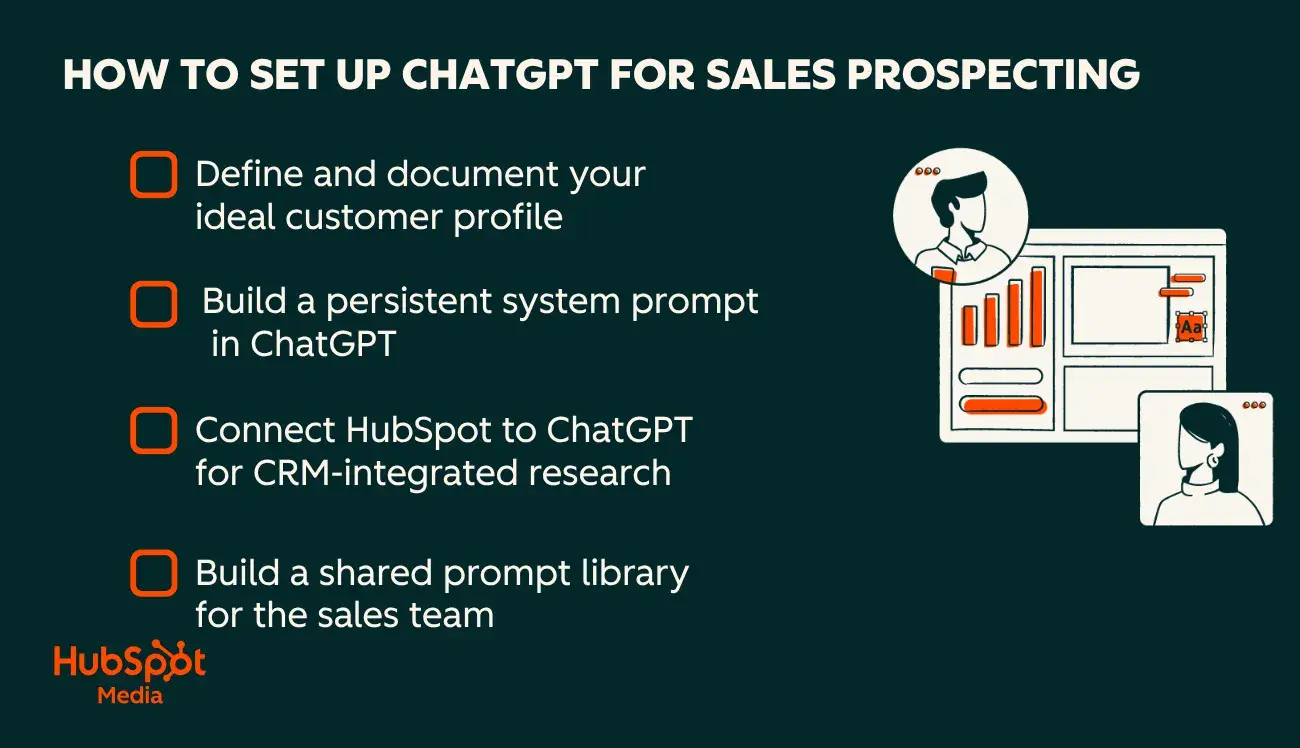
Step 1: Define and document your ideal customer profile.
The ideal customer profile (ICP) is the foundation of all ChatGPT prospecting output. Before using ChatGPT for any prospecting task, sales professionals should write out their ICP in structured detail:
- Target company size
- Primary industry verticals
- Geographic markets
- Technology stack indicators
- Two or three business challenges the product or service addresses
This information becomes a reusable context block that opens every ChatGPT prospecting session. Smart CRM improves ChatGPT output accuracy. The more precisely the ICP maps to actual CRM data (deal sizes, industry codes, tech stack fields), the more targeted the model’s output becomes.
ICP context block format:
“I sell [product/service] to [company size] companies in [industry]. My typical buyer is a [title] who struggles with [pain point] and currently uses [competitor/alternative]. Core value props: [1], [2], [3]. Avg deal size: [X]. Sales cycle: [Y] days.”
Step 2: Build a persistent system prompt in ChatGPT.
ChatGPT’s custom instructions feature allows sales professionals to save their ICP, company description, tone preferences, and communication guidelines as persistent context. This eliminates re-entering background information at the start of every session and produces more consistent output quality across all prospecting tasks. Here’s how to do it:
- Open ChatGPT
- Click the profile icon
- Select Settings
- Select Personalization
- Select Custom Instructions
The first field should describe who you are and what you sell. The second field should specify how ChatGPT should respond — tone, format, length constraints, and any compliance guardrails. For a step-by-step walkthrough, see HubSpot’s guide on how to train ChatGPT.
Step 3: Connect HubSpot to ChatGPT for CRM-integrated research.
HubSpot’s ChatGPT connector enables sales teams to perform deep, CRM-integrated research directly within ChatGPT. The connector gives the model access to contact records, company data, deal history, and engagement patterns. Sales professionals don’t have to manually paste CRM data into the chat interface when using the ChatGPT connector.
The model’s research is grounded in verified, structured CRM data rather than public sources alone. Sales professionals can ask ChatGPT to summarize a prospect’s full engagement history, identify the last meaningful touchpoint, or suggest a follow-up approach based on previous conversation data, all within a single interface.
Step 4: Build a shared prompt library for the sales team.
A prompt library is a curated collection of proven prompts organized by prospecting stage — research, outreach, cold call prep, follow-up, and qualification. Sales teams that build and maintain shared prompt libraries report more consistent ChatGPT output quality and faster onboarding for new representatives.
Store the prompt library in a shared HubSpot snippet, a team Notion page, or a pinned Slack document. The 10 prompts in the next section of this guide provide the starting framework for any sales team building its first library. Treat prompts as team assets — not individual experiments — to ensure consistent results across the entire organization.
How to Use ChatGPT for Sales Prospecting
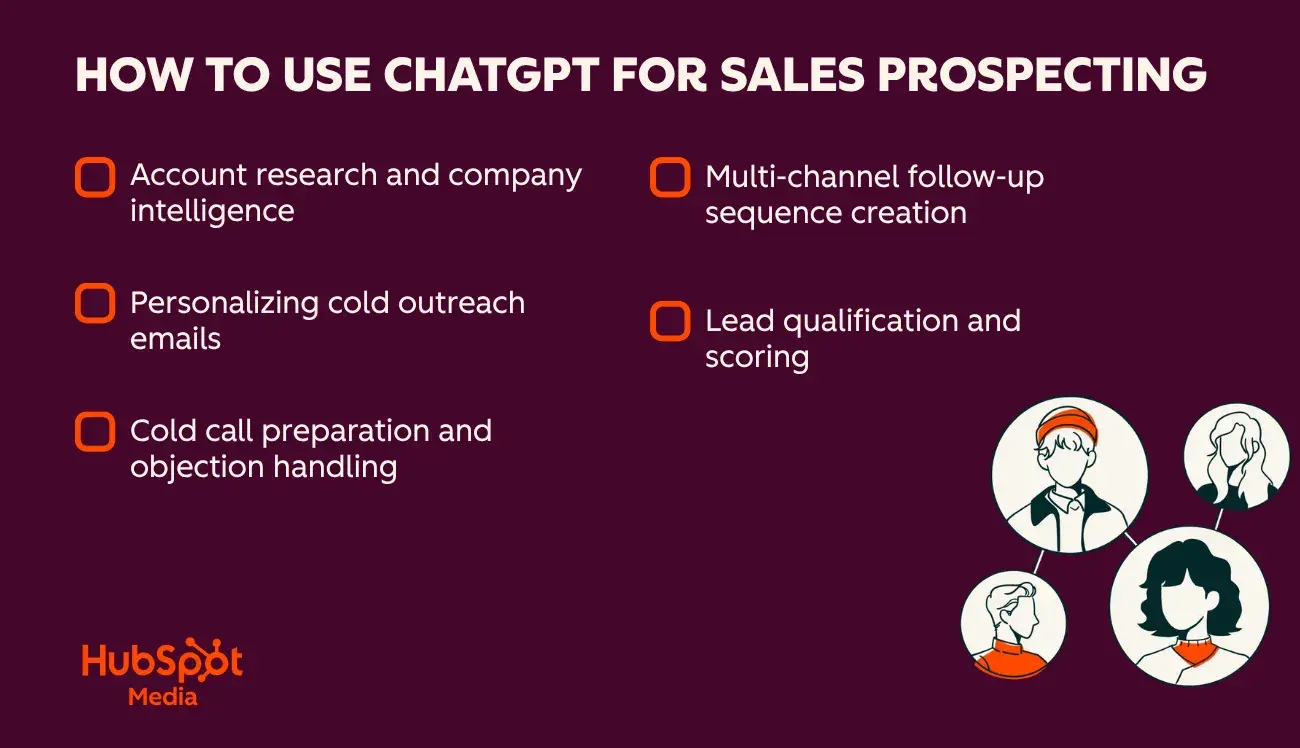
Sales teams use ChatGPT for sales prospecting across five high-impact use cases:
- Account research.
- Email personalization.
- Cold call preparation.
- Lead qualification.
- Multi-channel follow-up sequence creation.
Each use case addresses a distinct bottleneck in the prospecting workflow and produces measurable time savings when implemented consistently.
Account Research and Company Intelligence
ChatGPT accelerates prospect account research by distilling publicly available information into structured briefings. Sales professionals feed ChatGPT basic company details — name, website, LinkedIn, and recent news — and ask it to surface key buying signals and pain points. The output replaces 20 to 45 minutes of manual research with a scannable briefing in under two minutes.
Pair this approach with Google Alerts for sales prospecting to create a real-time intelligence layer that feeds fresh trigger events—funding rounds, leadership changes, product launches—directly into ChatGPT research prompts.
What we like: ChatGPT research briefings are structured and scannable, making them significantly faster to review than raw search results. The model excels at identifying thematic pain points from earnings calls, press releases, and job posting patterns when given specific source material to work from.
Personalizing Cold Outreach Emails
Sales teams use ChatGPT to personalize cold outreach emails at scale without sacrificing message relevance. The model generates emails that reference specific company initiatives, recent funding announcements, leadership transitions, or competitive pressures — the kind of personalization that drives reply rates but previously required significant per-prospect research time.
ChatGPT makes this level of personalization viable across an entire prospect list, not just the top ten priority accounts. For proven structural frameworks, see HubSpot’s sales email templates guide. Then use ChatGPT to personalize those frameworks for each prospect.
Pro Tip: I’ve found the best results come from a two-pass process. I use ChatGPT to write the first draft, then I rewrite one sentence in my own voice and ask the model to match that style throughout the rest of the email. After two iterations, the output reads like something I would actually send. This process takes under 10 minutes and produces significantly higher reply rates than either unedited AI output or a fully manual draft written from scratch.
Cold Call Preparation and Objection Handling
ChatGPT generates prospect-specific opening lines, anticipated objections, and scripted response frameworks to prepare sales reps for cold calls. The model can simulate likely prospect reactions based on company size, industry, and known competitive context. Reps can then rehearse objection handling before picking up the phone.
For complete cold call support, combine ChatGPT research prep with the frameworks in HubSpot’s ChatGPT sales pitch guide, which covers how to structure AI-assisted pitches from the opening line to the close.
Lead Qualification and Scoring
ChatGPT analyzes prospect information against predefined qualification criteria to help sales teams qualify leads faster. Sales professionals input prospect details and ask ChatGPT to score the lead against BANT (Budget, Authority, Need, Timeline), MEDDIC, or a custom qualification framework. The model returns a structured assessment with reasoning, red flags, and recommended next steps.
For qualification question frameworks that feed directly into ChatGPT scoring prompts, see HubSpot’s 16 sales qualification questions guide. These questions form the backbone of a qualification prompt that produces consistent, bias-reduced lead scores across the team.
ChatGPT’s qualification analysis is objective and repeatable, reducing the human bias that inflates pipeline with poor-fit prospects. Pipeline quality becomes measurable and improvable over time when the entire team uses the same qualification prompt against the same framework.
Multi-Channel Follow-Up Sequence Creation
ChatGPT generates complete multi-touch follow-up sequences spanning email, LinkedIn, and phone outreach. A well-constructed prompt produces a 5 to 7 touch sequence in minutes. This is work that would otherwise require 45–60 minutes of creative writing per prospect segment. See HubSpot’s multi-channel prospecting guide for frameworks on when to deploy each channel.
Sales reps can use HubSpot’s ChatGPT connector to research prospects and generate outreach content within ChatGPT, then bring that content into Sales Hub sequence templates to deploy at scale.
Then, Sales Hub prospecting software captures, qualifies, and nurtures prospects with AI-powered lead management, guiding teams toward high-value leads.
Top ChatGPT Prompts to Speed Up Prospecting
The following ChatGPT prompts for sales prospecting are organized by use case and designed for immediate deployment. Each prompt uses a fill-in-the-bracket format — replace all bracketed text with actual prospect information before running. Saving these prompts in a shared team library ensures consistent output quality across every representative.
Prompt 1: Account Research Briefing
“You are a sales research analyst. Research [Company Name] and provide a structured briefing covering: (1) company overview and estimated revenue range, (2) key business challenges based on their industry and recent news, (3) technology investments or strategic priorities visible from public sources, (4) three specific pain points that [My Product/Service] could address. Company website: [URL]. LinkedIn description: [paste text].”
Prompt 2: Personalized First-Touch Cold Email
“Write a cold outreach email to [First Name], [Title] at [Company Name]. They recently [specific trigger: funding round, new product launch, leadership change]. My company [Your Company] helps [target audience] [achieve specific outcome]. Keep the email under 150 words, focus on one relevant pain point, and end with a single low-commitment call to action. Tone: professional but conversational. Do not open with ‘I’ or a generic compliment.”
Prompt 3: Cold Call Opening and Objection Prep
“Prepare me for a cold call with [First Name], [Title] at [Company Name] in the [Industry] space. They currently use [Competitor/Known Tech Stack]. Generate: (1) a 15-second opening that references a relevant pain point for their industry, (2) prepared responses to the three most common cold call objections in this sector, (3) a transition question to use if the call is going well and the prospect seems engaged.”
Prompt 4: Lead Qualification Scoring
“Based on the following prospect information, score this lead using the [BANT/MEDDIC] framework and explain your reasoning for each criterion. Flag any red flags suggesting poor fit or low conversion probability. Prospect details—Company: [X]. Contact title: [X]. Company size: [X]. Industry: [X]. Recent news: [X]. Stated priority: [X]. Current solution: [X].”
Prompt 5: LinkedIn Connection Request Message
“Write a LinkedIn connection request message to [First Name], [Title] at [Company Name]. We share [mutual contact / same alumni network / same LinkedIn group]. Keep the message under 300 characters. Mention one specific reason for connecting related to [their recent post, shared topic, or industry focus]. Do not pitch a product or service in the connection request itself.”
Prompt 6: Follow-Up Email After No Response
“Write a follow-up email for a prospect who has not responded to my previous two outreach attempts. Previous message summary: [paste]. Add new value by referencing [a relevant industry report, case study, or company milestone]. Keep the message under 100 words. Re-ask for a 15-minute conversation without repeating the original pitch or starting with ‘Just following up.‘”
Prompt 7: Multi-Touch Outreach Sequence (7 Touches)
“Create a 7-touch outreach sequence for [Prospect Segment] in [Industry]. Mix email, LinkedIn, and phone touchpoints. Each touch must deliver distinct new value rather than simply following up on the previous message. Include: recommended timing between each touch, a subject line for each email touch, and the primary goal of each individual touchpoint in the sequence.”
Prompt 8: Discovery Call Preparation Briefing
“I have a discovery call tomorrow with [First Name], [Title] at [Company Name]. Based on their website [URL] and LinkedIn profile summary [paste text], generate: (1) five discovery questions specific to their business context and stated priorities, (2) two relevant case study references I can cite if they ask for social proof, (3) the most likely objection I will face and a prepared, concise response.”
Prompt 9: Sales Pitch Refinement and Sharpening
“Review this sales pitch and improve it for a [Title] at a [startup / mid-market / enterprise] company: [paste pitch]. Make it more concise, lead with a measurable business outcome, and reframe product features as specific results for the buyer. Suggest one alternative opening line that leads with a relevant industry challenge rather than a product description.”
Prompt 10: Meeting Notes Summary and Next Steps
“Summarize the following sales meeting notes and generate three recommended next steps with clear owners and realistic deadlines. Meeting notes: [paste]. Format the output as: (1) Meeting summary in three bullets, (2) Confirmed action items with assigned owner and due date, (3) Recommended next outreach touch with suggested timing and channel.”
Frequently Asked Questions About ChatGPT for Sales Prospecting
How do I make AI-generated emails sound like my brand voice?
AI-generated emails match a specific brand voice when sales professionals provide voice samples before requesting output. The most effective method is to include two or three high-performing emails from top performers on the team, then instruct ChatGPT to match the tone, sentence structure, and formality level of those examples. For detailed instructions, HubSpot’s guide on training ChatGPT walks through creating a persistent brand voice prompt that carries across all sessions.
A second method is the edit-and-match loop: generate the email in ChatGPT, rewrite one paragraph in your natural voice, then ask ChatGPT to analyze the stylistic difference and apply that style to the remaining content. AI-generated emails require human editing for brand voice, but this iterative process typically produces on-brand output in two rounds of refinement.
Is it safe to paste CRM data into ChatGPT?
Sensitive CRM data should not be shared with public ChatGPT tools. OpenAI’s standard ChatGPT model can use conversation data for model training by default, which creates data privacy and compliance risks when pasting contact records, deal values, or personally identifiable prospect information. Sales teams operating in regulated industries — healthcare, financial services, and government — should avoid pasting CRM records into public AI interfaces.
The safer alternative for HubSpot users is the HubSpot ChatGPT connector, which routes CRM data through a permission-controlled integration rather than direct manual input. Teams requiring full data isolation should explore ChatGPT Enterprise, which offers a zero-data-retention option that satisfies most enterprise compliance requirements.
What’s the best way to combine email and LinkedIn touches?
The most effective multi-channel prospecting sequences alternate between email and LinkedIn, with distinct value delivered in each touch. Sales teams use ChatGPT to generate coordinated sequences where email touches lead with case study evidence, and LinkedIn touches open with observations tied to the prospect’s recent activity or shared content. Here’s a proven sequence structure.
- Day 1 email: Cold introduction with one specific trigger
- Day 3 LinkedIn connection request: Brief, no pitch
- Day 7 email: Value-add resource relevant to their stated challenge
- Day 10 LinkedIn message: Concise check-in referencing shared content
- Day 14 email: Final follow-up with a clear and time-bound ask
See HubSpot’s multi-channel prospecting guide for full channel strategy frameworks.
How should I measure the impact beyond open and reply rates?
Sales prospecting impact is measured by meetings set and pipeline created, not email open rates alone. Open rates measure whether a subject line worked. Reply rates measure whether the full message resonated enough to prompt a response.
Meetings booked and pipeline generated are the metrics that determine whether ChatGPT-assisted prospecting is actually moving deals forward. The metrics that matter at the team level are:
- Meeting acceptance rate by sequence type
- Pipeline sourced per representative per week
- Conversion rate from first touch to closed deal
HubSpot Sales Hub’s reporting software tracks these metrics automatically, linking outreach activity directly to pipeline outcomes. This makes it possible to compare ChatGPT-assisted prospecting performance against control baselines and optimize prompts based on what actually generates revenue — not just responses.
The Bottom Line
ChatGPT for sales prospecting compresses the research and outreach cycle that previously consumed the majority of a sales representative’s productive week. The framework covered in this guide — from ICP context setup to structured prompts across research, email, cold call preparation, and follow-up — gives sales teams a repeatable system for AI-assisted prospecting that increases output without sacrificing the quality that drives meetings and pipeline.
The 10 prompts in this guide work best as a starting framework for a shared team library. As the team learns which prompts produce the highest reply rates and most meetings booked, those prompts should be refined and shared across the organization. HubSpot’s Breeze Prospecting Agent extends these capabilities further, combining AI-powered research and outreach directly within the CRM so sales teams can move from prospect identification to first touch without switching tools.
From my own experience in sales and SDR management, I’ve seen the biggest productivity gains come not from the first AI-generated draft but from the discipline of reviewing and refining it. The teams that consistently win with ChatGPT are the ones that have invested in clear ICPs, maintained high-quality prompt libraries, and built a culture where human judgment still drives the final decision on what gets sent. AI accelerates the process. The sales professional’s judgment is what makes it worth opening.

 Chinese
  English (United States)